To answer how do i make a beacon in minecraft, craft it with 5 glass, 1 Nether Star, and 3 obsidian. Place the beacon on a pyramid made from iron, gold, emerald, diamond, or netherite blocks, clear the sky above it, then open its menu and use one ingot, diamond, or emerald to activate an effect.
What you need to make a beacon
The beacon recipe is simple, but the Nether Star makes it an end-game project. Gather these materials before opening your crafting table:
- 5 glass
- 1 Nether Star
- 3 obsidian
- A crafting table
You get glass by smelting sand in a furnace. Obsidian comes from converting water and lava or mining naturally generated obsidian with a diamond or netherite pickaxe. The Nether Star drops when you defeat the Wither, so you must be prepared for a major boss fight before you can craft a beacon in survival mode.
You also need mineral blocks for the beacon pyramid. Valid blocks include iron, gold, emerald, diamond, and netherite blocks. You can use one material or mix several types together. The material does not change the beacon's power, range, or selected effect.
How do i make a beacon in minecraft
| Ingredient | Quantity | Crafting-grid position |
|---|---|---|
| Glass | 5 | Three across the top row, plus one on each side of the middle row |
| Nether Star | 1 | Center of the middle row |
| Obsidian | 3 | Across the bottom row |
To craft the beacon, arrange the ingredients in a three-by-three crafting grid like this:
- Top row: glass, glass, glass
- Middle row: glass, Nether Star, glass
- Bottom row: obsidian, obsidian, obsidian
When the recipe is correct, take the beacon from the result slot. The crafted block does not shine or provide buffs by itself. You must set it on a valid mineral pyramid and give it a clear view of the sky.
How to make a beacon pyramid
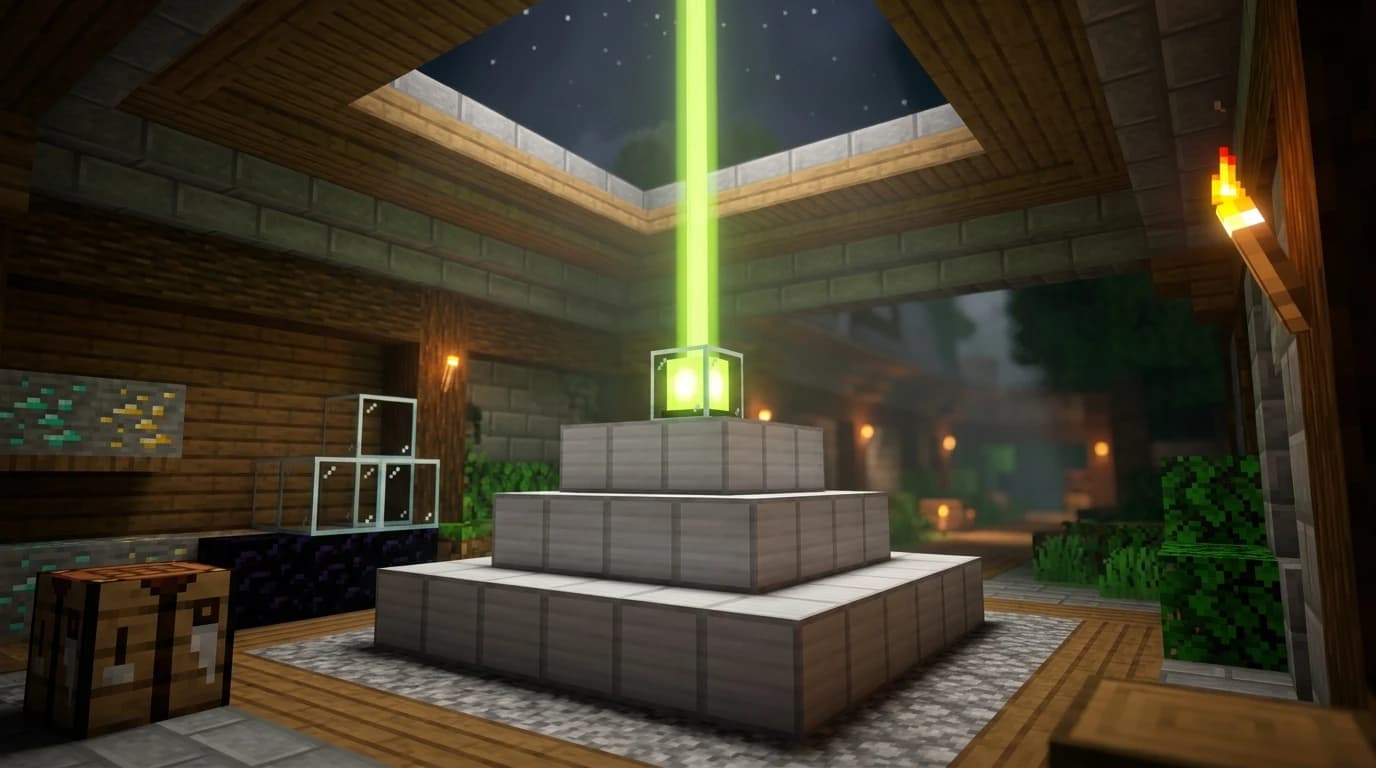
A beacon pyramid has up to four solid layers. Start with the largest square at the bottom and make each layer above it one block smaller on every side. Place the beacon directly above the center of the smallest layer.
| Pyramid level | Layers | Mineral blocks required | Beacon range |
|---|---|---|---|
| Level 1 | 3×3 | 9 | 20 blocks |
| Level 2 | 5×5 and 3×3 | 34 | 30 blocks |
| Level 3 | 7×7, 5×5, and 3×3 | 83 | 40 blocks |
| Level 4 | 9×9, 7×7, 5×5, and 3×3 | 164 | 50 blocks |
For the smallest working setup, build a solid 3×3 platform of 9 mineral blocks and place the beacon on the center block above it. For a full-power beacon, build four layers in this order:
- Place 81 blocks in a solid 9×9 square.
- Place 49 blocks in a solid 7×7 square centered on the first layer.
- Place 25 blocks in a solid 5×5 square centered on the second layer.
- Place 9 blocks in a solid 3×3 square centered on the third layer.
- Place the beacon on the center of the top layer.
The total for a four-level pyramid is 164 blocks. You can combine iron, gold, emerald, diamond, and netherite blocks in the same pyramid without losing functionality. Iron is usually the easiest choice because iron farms make large quantities practical.
How to light a beacon in Minecraft
After placing the beacon, check the space directly above it. The beam needs an unobstructed path to the sky. Most solid blocks stop the beam, including roofs, floors, and ceilings. Transparent blocks such as glass and water do not stop it, and bedrock does not block the beam.
- Place the completed pyramid in an open area.
- Put the beacon on the center of the top layer.
- Remove any opaque blocks above the beacon.
- Wait for the beacon to emit its vertical beam.
- Interact with the beacon to open its power menu.
If the beacon stays dark, inspect the pyramid for a missing block and check for a solid obstruction above the beacon. The pyramid must be made from full blocks, not mineral ore blocks, slabs, stairs, or decorative substitutes.
The beacon can shine through a glass roof, making it possible to build it inside a protected room. You can also place stained glass or stained glass panes above the beacon to change the beam's color. Adding different colors combines them as the beam passes through each piece.
Choosing powers and using the beacon
Once the beacon is active, open its interface and place one payment item in the slot. You can use an iron ingot, gold ingot, emerald, diamond, or netherite ingot. The payment item is consumed when you confirm your selection, even though the pyramid itself remains permanently active.
A level 1 pyramid unlocks the first group of primary powers. Larger pyramids unlock more choices and increase the effect range:
- Speed: improves movement speed.
- Haste: increases mining and digging speed.
- Resistance: reduces incoming damage.
- Jump Boost: increases jump height and reduces fall impact.
- Strength: increases melee attack damage.
A four-level pyramid unlocks a secondary power. You can select Regeneration as the secondary effect or upgrade the chosen primary effect to Level II. The Level II option is useful for mining with Haste or fighting with Strength, while Regeneration adds extra healing within the beacon's range.
To turn on a beacon, select a primary effect, choose the secondary effect if your pyramid supports it, place the payment item in the slot, and confirm with the checkmark. You can change the selected power later by paying another accepted item.
What beacons do and how far they reach
Beacons provide status effects to players inside a square-shaped area around the pyramid. The range depends on the pyramid's level: 20 blocks for level 1, 30 for level 2, 40 for level 3, and 50 for level 4. The effects continue while you remain in range and wear off shortly after you leave.
The beam is also a useful landmark. An active beacon produces a bright vertical column that helps you locate a base, mine, trading hall, or other important structure from a distance. The beacon itself emits maximum light, so it can contribute to lighting around the pyramid.
For a mining base, place a full-power beacon near the area you plan to excavate and choose Haste with a fast pickaxe. For a combat base, Resistance or Strength is more useful. Speed and Jump Boost work well around large farms, walls, and travel routes.
Java Edition and Bedrock Edition differences
The beacon recipe, pyramid requirements, accepted materials, and available powers work the same way in Java Edition and Bedrock Edition. The main practical difference is beam visibility: Java Edition can display an active beacon beam from farther away, while Bedrock Edition has a shorter visibility distance.
Both editions allow the beam to pass through transparent blocks and bedrock. If a beacon works in one edition but not the other, first check the sky opening, pyramid shape, and whether the game is displaying the beam at your current distance rather than assuming the beacon is broken.
Common beacon mistakes and faster setups
- Using ore blocks: iron ore, gold ore, emerald ore, and diamond ore are not valid pyramid materials. Craft the materials into blocks first.
- Building an incomplete layer: every pyramid layer must be a completely filled square.
- Blocking the sky: a roof, dirt block, stone block, or any other opaque block above the beacon prevents activation.
- Expecting buffs without payment: the beacon must be active, and you must select an effect using an accepted payment item.
- Building a giant pyramid too early: start with a 3×3 base for a basic effect, then expand it when you have more mineral blocks.
If you only want the beam as a landmark, a level 1 pyramid is enough. If you want every effect option and Level II powers, save resources for the full 164-block pyramid. Keep the beacon somewhere accessible so you can change powers without rebuilding it.