How do you craft sticks in Minecraft? Place two wooden planks vertically in the 2×2 inventory grid or a 3×3 crafting table, with one plank directly above the other. One craft uses two planks and produces four sticks. Any wood-plank type works, including oak, spruce, birch, jungle, acacia, dark oak, mangrove, cherry, bamboo, and warped planks.
How do you craft sticks in Minecraft?
You do not need a crafting table to make ordinary sticks. The recipe fits in your inventory’s 2×2 crafting grid, which makes sticks one of the first items you can produce after collecting wood.
| Ingredient | Quantity | Result |
|---|---|---|
| Any type of plank | 2 | 4 sticks |
Crafting-grid layout
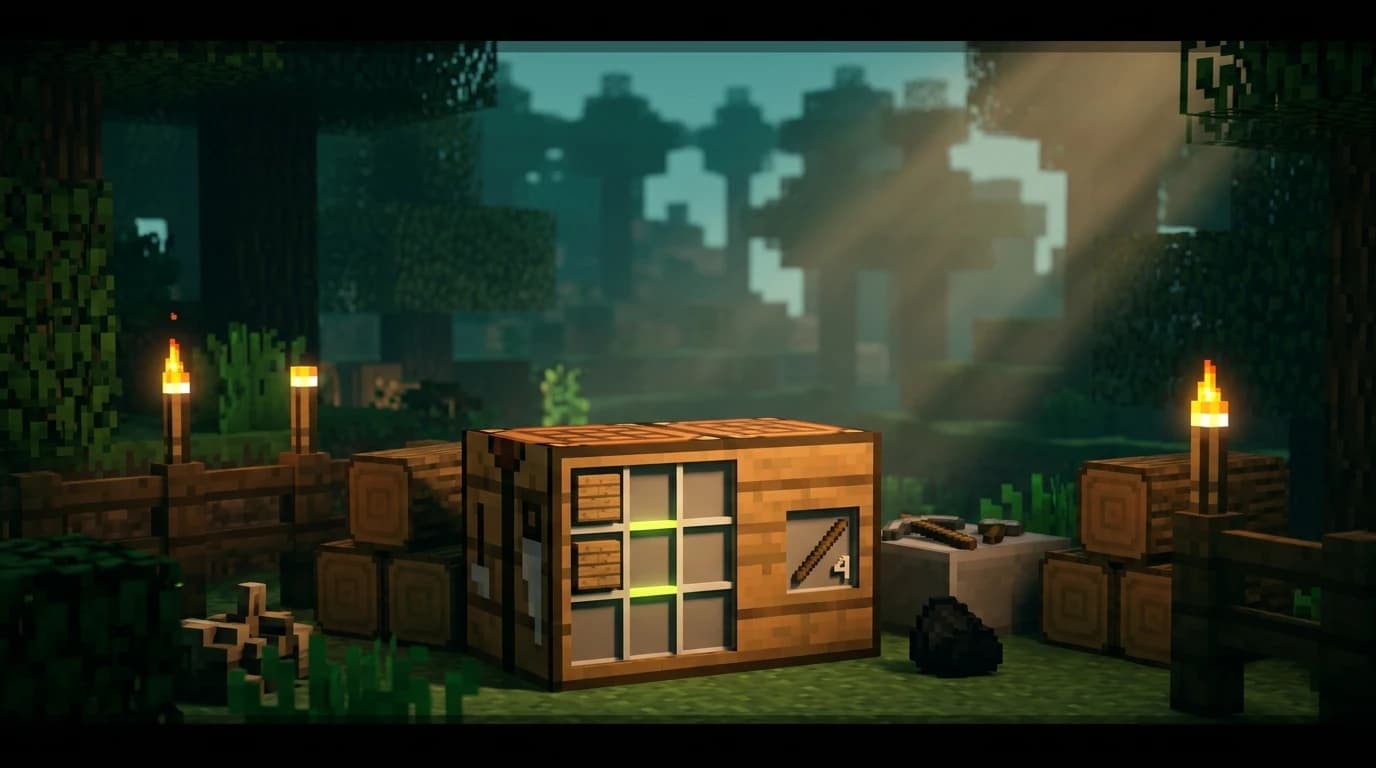
Place one plank in the top row and a second plank directly below it in the same column. The two planks form a vertical line. The other grid slots remain empty. You can use either column in the 2×2 grid, or either column in the 3×3 crafting-table grid.
- Break a tree or collect another source of wood.
- Open your inventory by using the inventory button for your platform.
- Turn a log, stem, or hyphae into planks by placing it in the crafting area.
- Place two matching or different planks vertically in the crafting grid.
- Move the four sticks from the result slot into your inventory.
The planks do not need to be the same wood type. For example, one oak plank and one spruce plank still produce four ordinary sticks.
What you need before making sticks
In a normal survival start, the fastest route is to gather one log. A single log becomes four planks, and two of those planks become four sticks. Keep the remaining two planks for a crafting table, then use the sticks for your first tools.
- One log, stem, or hyphae: Converts into four planks.
- Two planks: Converts into four sticks.
- A crafting grid: Your inventory grid is enough for the ordinary stick recipe.
If your recipe book does not show the stick recipe immediately, craft the planks first and collect them. The recipe should then appear when you have the required materials. You can also place the planks manually without using the recipe book.
How to get sticks without crafting
Crafting is normally faster, but you can obtain sticks from several blocks, mobs, containers, and activities. These options help when you have not found a tree or need extra sticks away from your base.
- Dead bushes: Breaking a dead bush can drop zero to two sticks.
- Leaves: Broken or naturally decaying leaf blocks have a small chance to drop one or two sticks.
- Bamboo: Place two bamboo vertically in a crafting grid to make one stick.
- Witches: A defeated witch can drop sticks along with its other possible drops. Looting can increase the maximum amount.
- Fishing: Sticks can appear as junk while fishing.
- Chest loot: Bonus chests and some village-related chests can contain sticks.
Breaking leaves is useful when you are already clearing trees, but it is not a reliable replacement for turning planks into sticks. Dead bushes are more practical in desert and badlands areas, while bamboo is especially useful if you spawn near a bamboo jungle.
How many sticks should you make?
Make at least four sticks at the beginning of a new world. That gives you enough for a wooden pickaxe, although you usually want more for tools, torches, and a crafting table.
- Pickaxe: Requires two sticks as the handle.
- Axe, shovel, hoe, and sword: Each uses sticks in its recipe.
- Torches: Combine sticks with coal or charcoal.
- Crafting table: Use four planks, then place it for access to the 3×3 grid.
- Bow and fishing rod: Both require sticks along with their other materials.
- Ladders, signs, fences, rails, and redstone components: Many building and automation recipes use sticks.
Sticks stack to 64, so carrying one or two full stacks is convenient during mining, building, and exploration. They can also serve as furnace fuel, although coal, charcoal, and other wooden items are usually better for larger smelting jobs.
Can you craft a stick from bamboo?
Yes. Bamboo provides a second stick recipe that is useful in bamboo jungles or on farms. Place two bamboo vertically in the crafting grid to produce one stick. This recipe gives one stick instead of the four produced by two planks, so converting wood into planks is more efficient when you have access to trees.
Bamboo is still valuable because it grows quickly and can be automated. If you have a large bamboo supply but limited wood, it gives you a renewable way to produce sticks for trading, fuel, and crafting.
How to get a debug stick in Minecraft
The debug stick is different from the ordinary crafting item. It is a Java Edition utility item used to change block states, such as the facing direction or connected state of certain blocks. It is not craftable and does not normally appear in Survival mode.
In Java Edition, you can obtain a debug stick with commands when cheats are enabled or when you have the required operator permissions. The standard command is:
/give @s minecraft:debug_stick
You can also access it through the Creative inventory in Java Edition when the world and player permissions allow it. Hold the debug stick and use it on a block to select or cycle through editable block-state properties. The available properties depend on the block.
The debug stick is exclusive to Java Edition in vanilla Minecraft. Bedrock Edition does not provide the same normal debug-stick item or behavior. A regular stick with an enchantment glint is not automatically a debug stick.
Can you enchant a stick?
You cannot enchant an ordinary stick through a standard enchantment table or anvil in Survival mode. A regular stick is a crafting material, not a normal enchantable weapon, tool, or armor item. Giving it a name in an anvil does not change that.
Commands and custom item data can create unusual items that look enchanted or carry custom properties, depending on the edition and version. That is a command-based customization rather than a normal survival recipe. An enchanted-looking stick also does not become a useful sword, and standard weapon enchantments do not turn it into a regular combat item.
If you want to change block states, use the Java Edition debug stick. If you want a weapon with enchantments, craft a sword or axe and enchant that item normally.
Java and Bedrock stick differences
The basic two-plank recipe works in both Java Edition and Bedrock Edition. In both editions, two planks placed vertically produce four sticks, and the recipe fits in the inventory crafting grid.
- The debug stick is a Java Edition feature and is not a normal Bedrock survival item.
- Some chest-loot details can vary between editions, but crafting remains the dependable way to obtain sticks.
- The available wood types can change with major updates, but every standard plank type can be used for the ordinary stick recipe.
Common stick-crafting mistakes
If the recipe is not working, check the material and layout before looking for a rare alternative source.
- You placed a log instead of planks: Process the log first. Logs do not directly make sticks in the ordinary recipe.
- The planks are side by side: Move one plank directly above or below the other.
- You are using only one plank: The standard recipe needs two planks and produces four sticks.
- You are trying to craft a debug stick: The debug stick is obtained through Java commands or permitted Creative access, not ordinary crafting.
- You are breaking leaves for a large supply: Leaf drops are random. Craft planks into sticks for a dependable result.
For the quickest start, break one tree, turn the log into four planks, and use two planks for four sticks. Save the other two planks for a crafting table, then use your sticks to make a wooden pickaxe and move on to stone tools.