To answer how do you make a painting in Minecraft, place 8 sticks around 1 wool in a crafting table, with the wool in the center and sticks in every other slot. The recipe gives you 1 painting. Place it on a wall, then break and replace it to choose another available design.
How do you make a painting in Minecraft?
You can craft a painting with basic materials and any color of wool. The wool color does not change the artwork, so use whichever wool is easiest to collect.
| Ingredient | Quantity | How to get it |
|---|---|---|
| Stick | 8 | Craft sticks from wooden planks |
| Wool | 1 | Shear or defeat a sheep, or craft wool from string |
For one painting, the crafting table needs a 3-by-3 layout. Put one stick in every slot around the outside and place the wool in the center slot. The finished painting appears in the result box.
Crafting-grid layout
- Open a crafting table.
- Place four sticks across the top, bottom, left, and right sides of the grid, using all eight outside slots.
- Place one wool block in the middle slot.
- Move the painting into your inventory.
The recipe makes one painting at a time. To craft a batch, gather eight sticks and one wool for every painting you want.
How to get paintings without crafting
Crafting is the most reliable survival method, but you can also obtain paintings through the Creative inventory or commands when cheats are enabled. In Survival, paintings are not normally found as common chest loot, so collecting sticks and wool is usually faster than searching structures.
- Use wooden planks to make sticks quickly.
- Shear sheep to collect wool without killing them.
- Keep several wool colors in your storage, although all colors work in the recipe.
- Craft extra paintings before decorating a large room because you may need to replace several to find the size or artwork you want.
Paintings are decorative entities rather than full blocks. They attach to a wall, do not provide light, and can be removed by breaking them or disturbing the blocks supporting them.
How to place and change a painting
Paintings choose their artwork and size based on the open wall space where you place them. A clear area can accept several possible paintings, so you do not directly select the image from the item itself.
- Choose a flat wall with enough open space.
- Hold the painting in your hand.
- Use the place button while aiming at the wall.
- Check the artwork and size that appears.
- Break the painting and place it again if you want a different result.
To control the size, build the wall around the target space first. A one-block-wide and one-block-tall opening only allows a small painting, while a larger empty section can produce larger designs. This is the most practical way to improve your chances of getting a particular size.
How to reroll a painting
There is no normal item recipe that lets you choose a specific painting. Remove the current painting and place it again, or temporarily block part of the wall to limit the sizes that can fit. Repeat the process until the artwork suits your room.
If you are trying to get one particular design, first restrict the wall to its required dimensions. The game still chooses randomly among paintings that fit, but removing incompatible spaces makes the process more predictable.
How to make a painting door in Minecraft
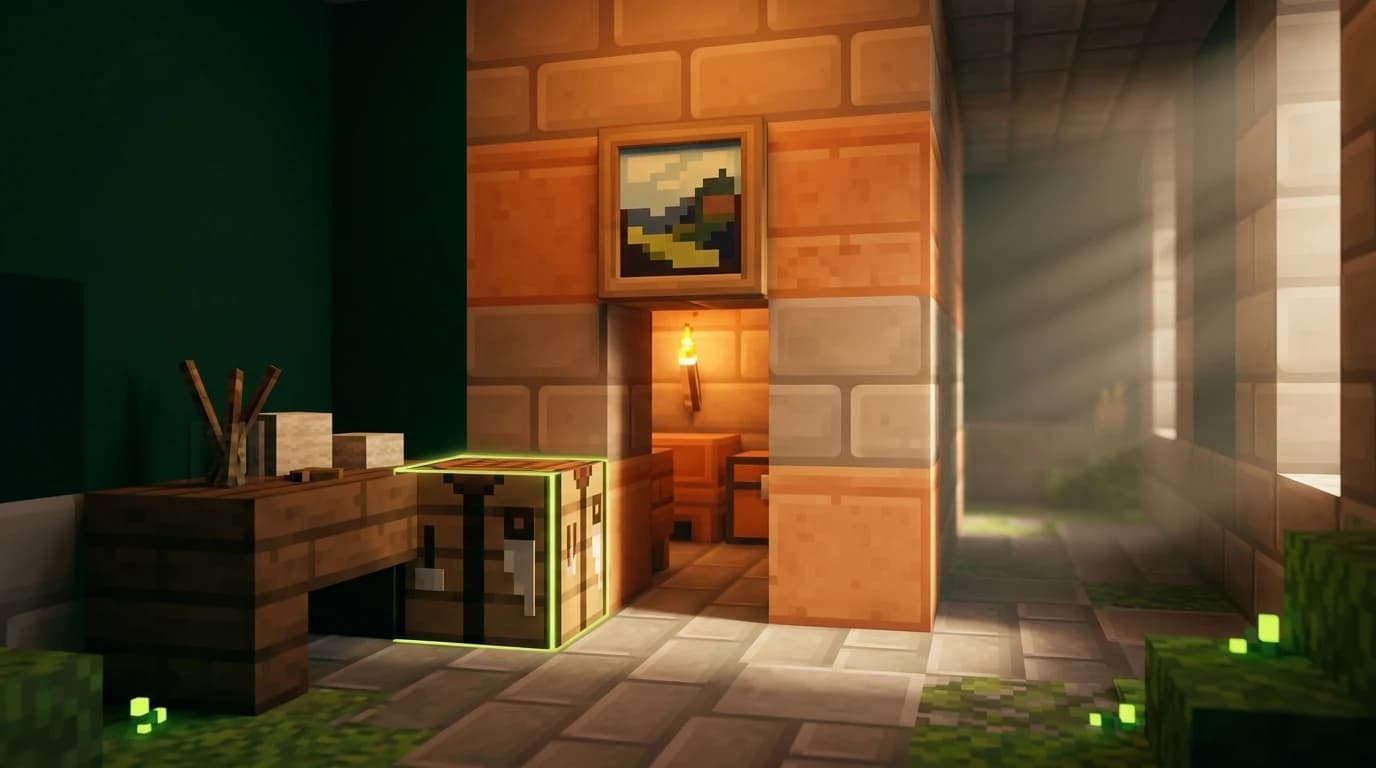
A painting door is a hidden passage covered by a painting. It does not require redstone, pistons, or commands, but it is not completely invisible to experienced players because paintings are a well-known secret-door trick.
Build a simple painting doorway
- Make a one-block-wide, two-block-tall opening in a wall.
- Extend the opening into a short hallway or room.
- Place signs on the sides or inside edges of the doorway so the painting has a surface to attach to without sealing the passage.
- Stand in the doorway and place a painting on the supporting signs or wall edge.
- Walk through the painting to test the entrance.
- Add a second wall, decoration, or corridor beyond the opening so the passage is harder to spot.
The painting must have support on the wall or signs behind it. If you remove the supporting blocks, the painting breaks and drops as an item. A two-block-tall opening is usually the easiest design because a standard player can walk through it without jumping.
Make the secret entrance less obvious
- Use a painting whose size matches the surrounding wall instead of leaving an obviously empty frame.
- Hide the doorway behind a bookshelf, storage room, or decorative wall.
- Build the passage into a corner where players are less likely to inspect the back of the painting.
- Avoid placing the entrance in a high-traffic area where players may test every decoration.
For a stronger hidden entrance, combine the painting with a piston door, trapdoor route, or redstone lock behind it. The painting only conceals the opening; it does not prevent another player from walking through.
How many paintings are in Minecraft?
Current vanilla Minecraft has 46 placeable paintings. They use several shapes and sizes, from small one-block designs to large paintings that cover areas up to 4 blocks wide and 4 blocks tall. The game selects a valid design based on the space available on the wall.
The artwork is not controlled by the wool color used in crafting. Every normally placeable painting belongs to the same painting item, and you receive a different possible design by placing the item in a suitable open area.
Some painting variants exist in the game data but are not part of the standard Survival placement pool. Accessing those requires commands or a datapack, so they are separate from the 46 paintings available through ordinary placement.
How to make custom paintings in Minecraft
Vanilla crafting does not let you draw on a painting or turn a personal image into an in-game artwork. To use custom paintings, you need a resource pack, and on newer Java Edition versions you can also use a datapack to add new painting variants.
Java Edition options
- A resource pack can replace the textures of existing paintings, so everyone using the pack sees your artwork in place of the original design.
- Java Edition 1.21 and later supports data-driven painting variants through datapacks. A matching resource pack supplies the custom image and the datapack registers its size and placement data.
- Mods can add more advanced painting systems, but they are not part of vanilla Minecraft and usually require compatible software on the client.
For a replacement pack, create or download a resource pack, edit the painting texture files, place the pack in the Java resourcepacks folder, and enable it from the Resource Packs menu. This changes how paintings look without changing the crafting recipe.
Bedrock Edition options
Bedrock Edition supports custom painting textures through resource packs. The usual vanilla approach replaces the artwork used by existing painting files rather than adding a completely separate new painting item. Import the pack, activate it for the world, and make sure players who need to see the custom art use the same pack.
On multiplayer worlds, custom paintings only appear consistently when the required resource pack is active for the players viewing them. Without that pack, the same painting can display its normal vanilla artwork.
Java Edition and Bedrock Edition differences
The basic painting recipe and placement behavior are effectively the same in Java Edition and Bedrock Edition: use 8 sticks and 1 wool, then place the painting on a wall. Both editions include the current collection of vanilla artwork, including the newer designs added in the Tricky Trials update.
The main difference concerns custom art. Java Edition 1.21 and later can add new painting variants with a datapack paired with a resource pack, while Bedrock custom painting projects generally use resource packs or add-ons that replace or modify existing painting textures. Neither edition lets you paint directly on the canvas in unmodified vanilla gameplay.
Common painting mistakes and faster solutions
- The recipe will not work: Check that the wool is in the center and all eight surrounding slots contain sticks.
- The painting is the wrong size: Block off part of the wall before placing it, then remove the painting and try again.
- The painting keeps breaking: Make sure the wall or signs behind it remain in place.
- The secret door is sealed: Use signs or another support arrangement that leaves the one-block-wide passage open.
- Custom artwork is missing: Activate the correct resource pack and check that its files match your game edition and version.
For a quick decoration project, craft several paintings at once and place them on prepared wall sections. For a hidden entrance, test the passage from both sides before finishing the surrounding build.