To learn how to make an armour stand in minecraft, gather six sticks and one smooth stone slab. Open a crafting table, place three sticks across the top row, one stick in the middle, two sticks in the bottom corners, and the slab in the bottom-center slot. This recipe creates one armor stand.
How to make an armour stand in minecraft
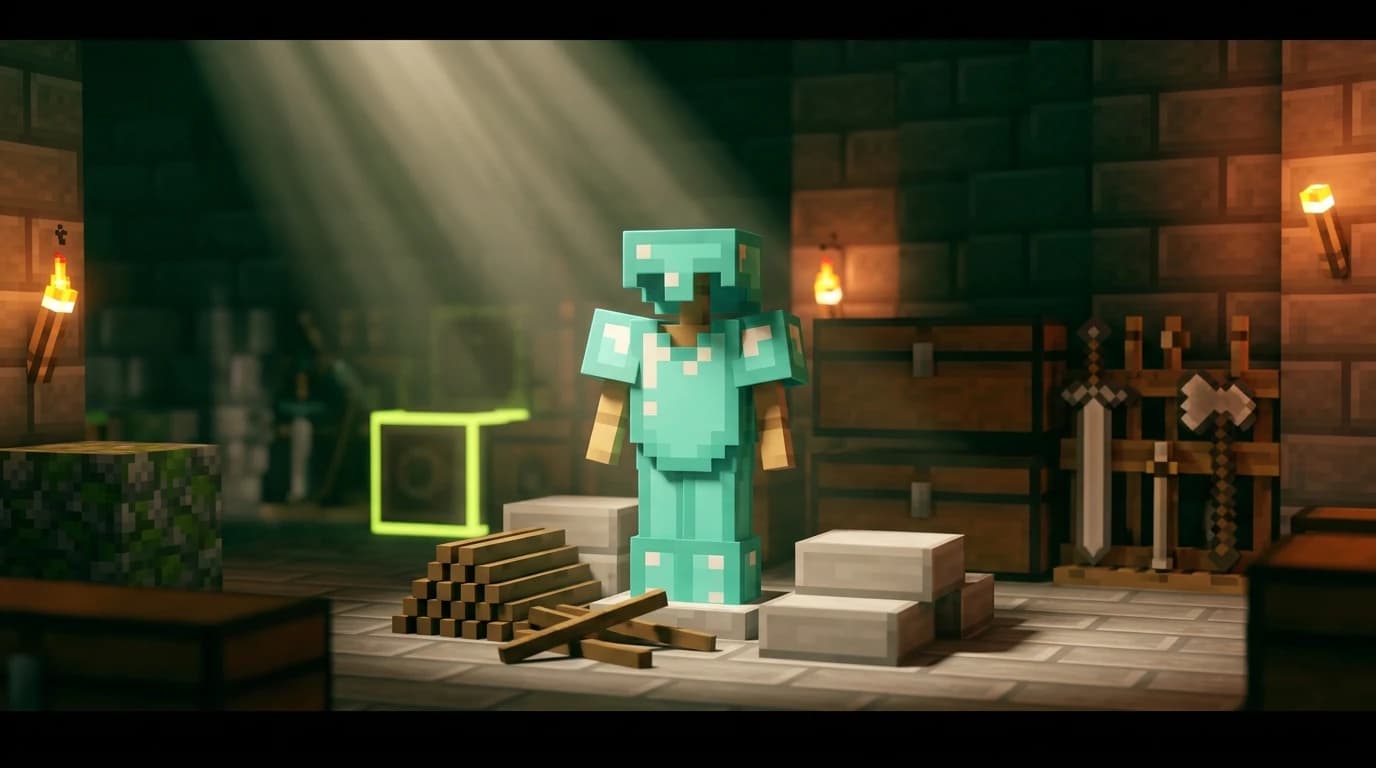
An armor stand is a placeable entity that displays armor, mob heads, carved pumpkins, and elytras. It is useful for organizing spare equipment, decorating an armory, or showing off a complete armor set inside your base.
The recipe works in both current Java Edition and Bedrock Edition. You need a crafting table because the recipe uses the full 3×3 crafting grid.
What you need to craft it
| Ingredient | Quantity | How to get it |
|---|---|---|
| Stick | 6 | Craft from wooden planks or collect from some broken leaves |
| Smooth stone slab | 1 | Craft from smooth stone |
| Armor stand | 1 | Output from the crafting table |
The most important detail is the type of slab. A regular stone slab does not work in the standard armor stand recipe. You need a smooth stone slab.
- Six sticks
- One smooth stone slab
- One crafting table
- A furnace if you still need to make smooth stone
Getting the ingredients
Make the sticks
Turn wooden logs into planks, then place two planks vertically in the crafting grid. This produces four sticks. Repeat the recipe if you need six sticks and do not already have any in your inventory.
You can use planks from any wood type. Oak, spruce, birch, jungle, acacia, dark oak, mangrove, cherry, bamboo, crimson, and warped wood all work for sticks.
Make a smooth stone slab
Smooth stone takes an extra smelting step if you do not already have it.
- Smelt cobblestone in a furnace to create stone.
- Smelt the stone again to create smooth stone.
- Place three smooth stone blocks in a horizontal row in a crafting table to create six smooth stone slabs.
You only need one slab for the armor stand, leaving the others for future recipes or building projects. If you have a stonecutter, place one smooth stone block inside it and select the smooth stone slab recipe. This produces two slabs from one block.
Crafting the armor stand
Once you have the materials, use this exact 3×3 crafting-table layout:
| Top row | Middle row | Bottom row |
|---|---|---|
| Stick | Stick | Stick |
| Empty | Stick | Empty |
| Stick | Smooth stone slab | Stick |
In words, place three sticks across the top row. Put one stick in the center slot of the middle row. In the bottom row, place one stick on the left, the smooth stone slab in the center, and one stick on the right.
- Open the crafting table.
- Place three sticks across the top row.
- Place one stick in the center slot.
- Place two sticks in the bottom-left and bottom-right slots.
- Place one smooth stone slab in the bottom-center slot.
- Move the armor stand from the result box into your inventory.
If the armor stand does not appear in the result box, check the slab first. A stone slab, cobblestone slab, or wooden slab will not substitute for a smooth stone slab in the normal recipe.
Using an armor stand
Hold the armor stand in your hotbar, place it on a suitable block, and use the interact button to equip items. You can put a helmet, chestplate, leggings, and boots on it. Armor stands can also display elytras, mob heads, carved pumpkins, and some other wearable items.
Equip armor
With armor in your hand, interact with the armor stand while aiming at the appropriate body area. On a keyboard and mouse, this normally means right-clicking. On a controller or touchscreen, use the standard interact control for your platform.
To remove equipment, interact with the armor stand while holding an empty hand and targeting the item you want to take back. The exact control can vary slightly between keyboard, controller, and touchscreen layouts.
Place and move the stand
Armor stands can be placed on most solid surfaces. They are entities rather than ordinary blocks, so water, pistons, and other mechanics can move them. Keep them away from busy paths if you do not want players or mobs to knock them out of position.
To pick one up, attack it quickly. A normal armor stand drops itself when broken, and armor placed on it drops as separate items. Take care around enchanted or named gear so you do not accidentally leave valuable equipment exposed.
Decorate with armor stands
- Build an armory with one stand for each armor material.
- Place a fully equipped stand beside a storage room to mark your combat gear.
- Use dyed leather armor to create uniforms or decorative outfits.
- Display an elytra, mob head, or carved pumpkin as a centerpiece.
- Put stands beside weapon racks, shields, banners, and smithing areas.
Java and Bedrock differences
The crafting recipe is the same in Java Edition and Bedrock Edition: six sticks and one smooth stone slab. The main differences involve interaction and storage.
- Armor stands can stack up to 16 in Java Edition and up to 64 in Bedrock Edition.
- Bedrock Edition gives armor stands more direct interaction options, including changing poses through normal gameplay controls.
- Java Edition armor stands do not normally have arms or custom poses without commands or other special methods.
Both editions let armor stands display standard armor and several wearable decorative items. If a feature is not available through normal interaction in your edition, commands can provide more control, but commands are not required to craft or place the stand.
Common mistakes and useful alternatives
Using the wrong slab
The most common mistake is crafting a regular stone slab instead of a smooth stone slab. Smelting cobblestone once gives stone, not smooth stone. Smelt the stone a second time before crafting the slab.
Putting the sticks in the wrong slots
The pattern is three sticks across the top, one stick in the center, two sticks in the bottom corners, and the smooth stone slab at the bottom center. The middle-left and middle-right slots stay empty.
Confusing armor with an armor stand
An armor stand does not create armor. It only holds and displays armor you have already made or collected. Craft helmets, chestplates, leggings, and boots separately from leather, iron, gold, diamonds, or netherite, depending on the equipment set you want to display.
Make several stands at once
Each recipe uses one smooth stone slab and six sticks. Because a furnace creates smooth stone one block at a time, prepare several blocks before crafting if you are building a large armory. One smooth stone block can be cut into two slabs with a stonecutter, while the crafting table recipe uses three smooth stone blocks to make six slabs.