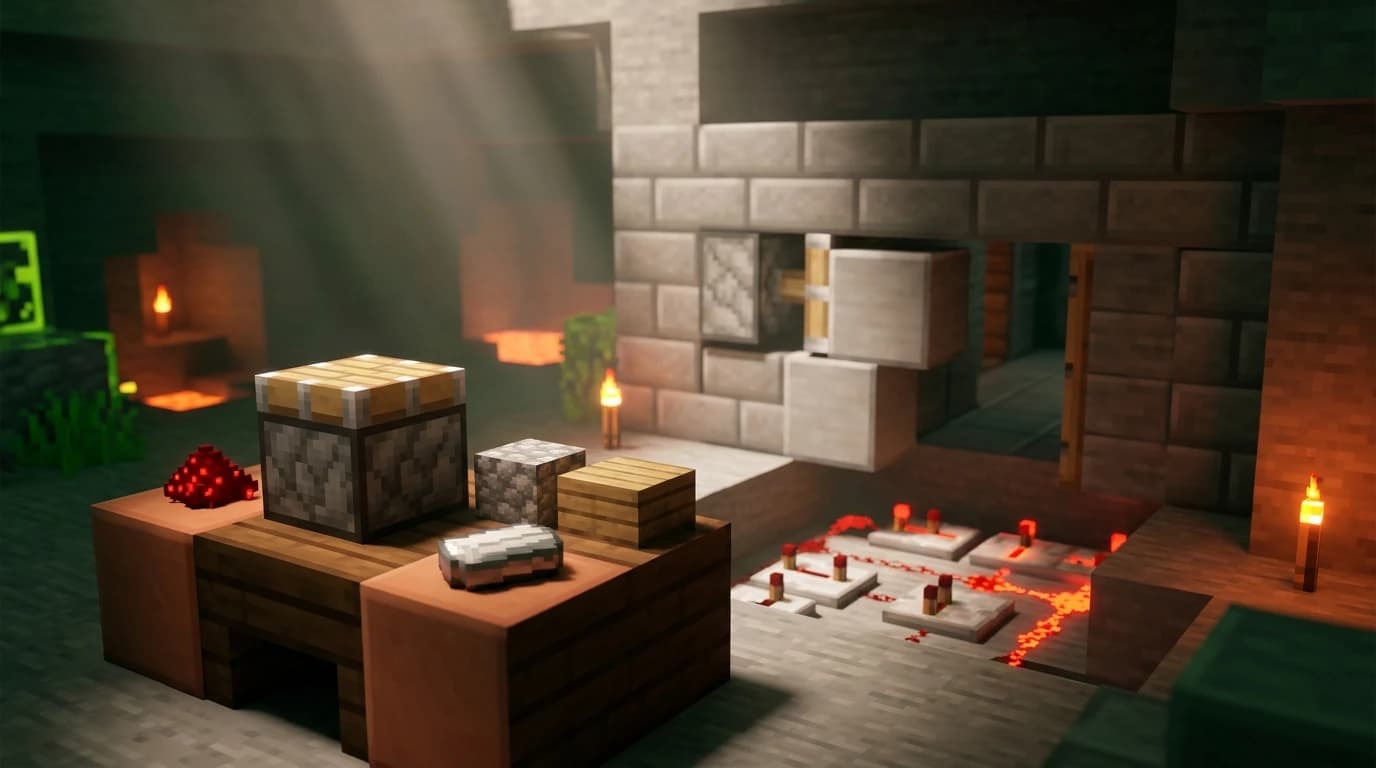
To craft piston Minecraft players need 3 planks, 4 cobblestone, 1 iron ingot, and 1 redstone dust. Open a crafting table, place the planks across the top row, put cobblestone, iron, and cobblestone across the middle row, then place cobblestone, redstone, and cobblestone across the bottom row. The recipe makes 1 piston. ([minecraft.fandom.com](https://minecraft.fandom.com/wiki/Piston?utm_source=openai))
How to craft piston minecraft
A piston is a redstone-powered block that extends a wooden arm to push blocks, players, and mobs. It retracts when the redstone signal stops. A regular piston pushes blocks but does not pull them back; a sticky piston adds a slimeball to the recipe and can pull one adjacent block when it retracts.
You need a crafting table because the piston recipe uses the full 3x3 crafting grid. Gather these materials before you start:
- 3 planks of any wood type
- 4 cobblestone
- 1 iron ingot
- 1 redstone dust
- 1 crafting table
Any plank type works, and you can mix plank types in the same recipe. The wood only forms the piston’s top surface; it does not need to match the rest of your build.
Exact piston recipe and crafting-grid layout
| Ingredient | Quantity | Where it goes |
|---|---|---|
| Any planks | 3 | Top row, all three slots |
| Cobblestone | 4 | Middle-left, middle-right, bottom-left, bottom-right |
| Iron ingot | 1 | Center slot |
| Redstone dust | 1 | Bottom-center slot |
Arrange the ingredients in this exact pattern:
- Top row: plank, plank, plank
- Middle row: cobblestone, iron ingot, cobblestone
- Bottom row: cobblestone, redstone dust, cobblestone
When the piston appears in the result slot, move it into your inventory. If nothing appears, check that you are using cobblestone rather than stone and that the redstone dust is in the bottom-center slot.
How to gather the ingredients
- Break trees and turn logs into planks.
- Mine cobblestone with a pickaxe.
- Smelt raw iron in a furnace to make an iron ingot.
- Mine redstone ore below ground and collect the redstone dust it drops.
- Craft or place a crafting table, then use the 3x3 layout above.
How to make a sticky piston
Craft a regular piston first, then combine it with 1 slimeball in a crafting grid. The slimeball goes directly above or below the piston because this recipe is shapeless. The result is 1 sticky piston. Sticky pistons are useful when a machine must move a block forward and bring it back afterward. ([minecraft.wiki](https://minecraft.wiki/w/Crafting/Redstone?utm_source=openai))
Use a regular piston when you only need to push a block away. Use a sticky piston for retractable floors, hidden entrances, piston doors, block elevators, and many compact redstone machines.
What does a piston do in Minecraft?
A piston responds to a redstone signal. When powered, it extends its head by one block and pushes movable blocks in the direction the head faces. When the signal ends, a regular piston retracts its head, while a sticky piston also attempts to pull the block directly in front of it.
Pistons can push up to 12 blocks in one connected line. If the movement would exceed that limit, or if the piston encounters a block that cannot be moved, it stays retracted. Chests, furnaces, obsidian, bedrock, spawners, and several other blocks cannot be moved by ordinary piston mechanics. ([minecraft.wiki](https://minecraft.wiki/w/Tutorial%3APiston_uses?utm_source=openai))
Pistons can also affect entities. A moving block can push a player or mob into an open space, making pistons useful for automatic farms, item systems, elevators, traps, and entrances. Slime blocks expand their usefulness by connecting nearby movable blocks to the piston.
How to use a piston with redstone
A piston needs a redstone power source. You can activate it with a lever, button, pressure plate, redstone torch, redstone block, or powered redstone dust.
- Place the piston so its wooden face points toward the block you want to move. The direction is determined by the side of the block you click when placing it.
- Put a movable block directly in front of the piston head.
- Place a lever beside the piston or connect the piston to another redstone power source.
- Activate the signal. The piston extends and pushes the block forward.
- Turn the signal off. The piston retracts. A sticky piston pulls the adjacent block back with it.
Keep the redstone connection behind or beside the piston rather than in front of its head. If the piston does not activate, check that the signal reaches the piston base and that the block line is not longer than 12 movable blocks.
How to make a piston door in Minecraft
The easiest beginner piston door uses two sticky pistons, two matching building blocks, redstone dust, and a lever. It creates a simple 1x2 entrance that opens when powered.
Materials for a basic piston door
- 2 sticky pistons
- 2 blocks that match the surrounding wall
- 1 lever
- Several pieces of redstone dust
- Extra building blocks for the wall
Build the door
- Make a 1-block-wide and 2-block-tall doorway in your wall.
- Dig a small space beside the doorway for the piston mechanism.
- Place two sticky pistons vertically, one above the other, with both piston heads facing the doorway.
- Attach one matching wall block to the front of each sticky piston.
- Run redstone dust from the back or side of both piston bases to a lever.
- Place the lever where you can reach it, then activate it.
- Cover the pistons and redstone with wall blocks, leaving the doorway clear.
When powered, the sticky pistons pull the two wall blocks away from the entrance. When unpowered, they push the blocks back into place. For a door that works from both sides, replace the lever with buttons, pressure plates, or a more advanced redstone circuit.
Java Edition and Bedrock Edition differences
The piston recipe is the same in Java Edition and Bedrock Edition. The main difference appears in redstone behavior, especially in compact piston doors and other timing-sensitive builds.
Java Edition supports quasi-connectivity, which allows some pistons to receive power through the block above them. Bedrock Edition does not use that same behavior, so a Java door design may fail when copied directly. On Bedrock, connect redstone dust directly to the piston bases or use a design specifically made for Bedrock Edition. ([minecraft.fandom.com](https://minecraft.fandom.com/wiki/Tutorials/Piston_uses?utm_source=openai))
Simple piston doors using direct redstone wiring work on both editions, but compact tutorials can differ because piston timing, update order, and sticky-piston behavior are not always identical. If a design only works intermittently, add repeaters or rebuild the circuit with direct connections instead of relying on hidden power paths.
Common piston crafting and building mistakes
- Using stone instead of cobblestone: The piston recipe requires cobblestone.
- Putting redstone in the wrong slot: It belongs in the bottom-center slot.
- Crafting in the 2x2 inventory grid: Use a crafting table.
- Expecting a regular piston to pull blocks: Craft a sticky piston with a slimeball.
- Trying to move an immovable block: Obsidian, bedrock, chests, and other blocks resist ordinary piston movement.
- Overloading the piston: A piston cannot push more than 12 blocks in one connected line.
- Copying a Java redstone design to Bedrock: Directly power the piston bases when a compact design does not work.
For your first project, start with one piston and a lever. Once you understand which direction the head faces and how redstone powers the base, upgrade to a sticky piston and build a hidden entrance, retractable farm block, or simple piston door.