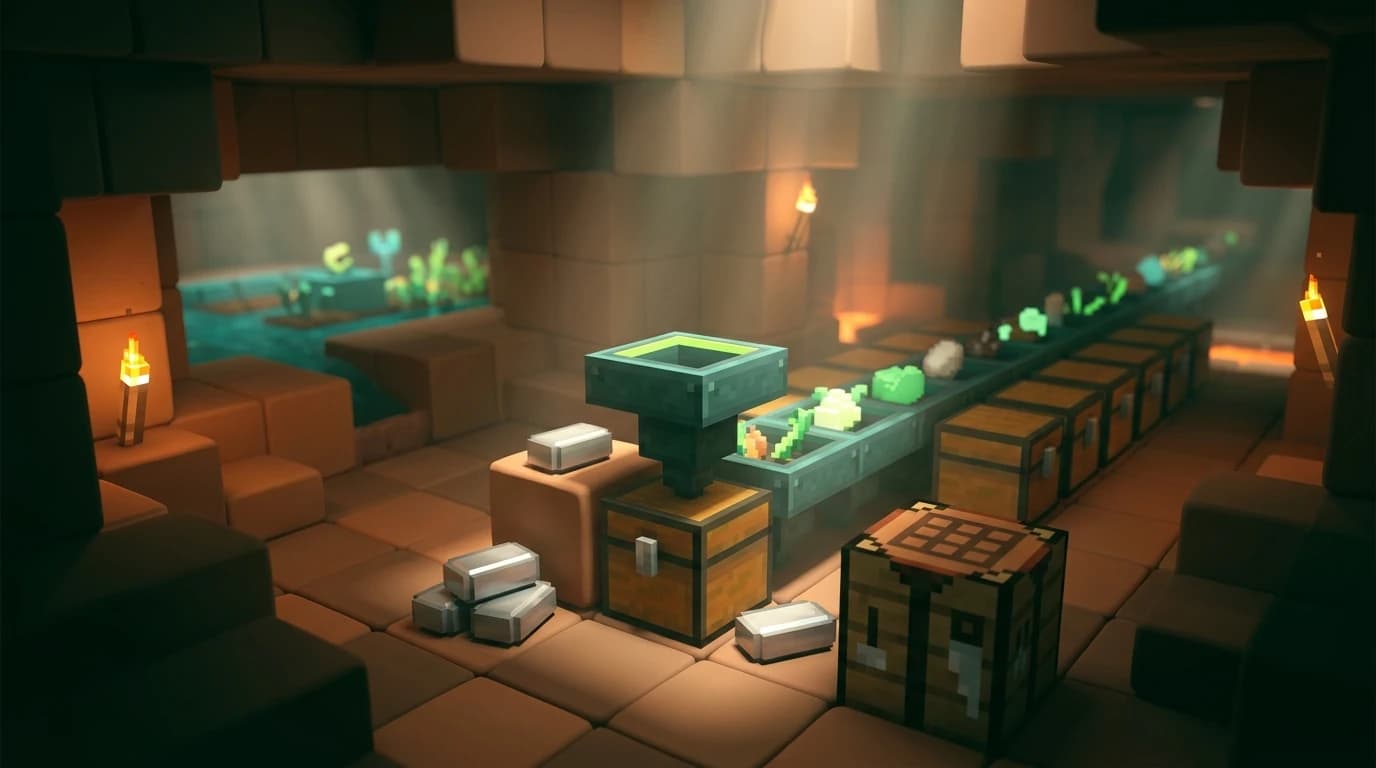
To answer how do i make a hopper in minecraft, use a crafting table and place 5 iron ingots around 1 chest: iron in the top-left, top-right, middle-left, middle-right, and bottom-middle slots, with the chest in the center. This recipe creates 1 hopper for moving items between containers. ([minecraft.net](https://www.minecraft.net/en-us/article/hopper?utm_source=openai))
How do I make a hopper in Minecraft?
You need a crafting table, five iron ingots, and one chest. The chest is the center of the recipe, while the iron forms a funnel shape around it.
| Ingredient | Quantity | Purpose |
|---|---|---|
| Iron ingot | 5 | Forms the hopper body |
| Chest | 1 | Forms the hopper storage section |
Crafting-grid layout
Open the 3x3 crafting table and use this arrangement:
- Top row: iron ingot, empty, iron ingot
- Middle row: iron ingot, chest, iron ingot
- Bottom row: empty, iron ingot, empty
In words, place two iron ingots on the top row, two more on the left and right sides of the middle row, one chest in the middle slot, and one iron ingot in the bottom-middle slot. Move the hopper into your inventory when it appears in the result slot. ([minecraft.net](https://www.minecraft.net/en-us/article/hopper?utm_source=openai))
Getting the ingredients
Make the chest
A chest requires eight wooden planks. Place planks in every slot of a 3x3 crafting grid except the center slot. Any regular overworld wood works, and you can mix different plank types in the same recipe.
Get five iron ingots
Smelt raw iron in a furnace or blast furnace to produce iron ingots. You can also obtain iron from generated loot, mining, or renewable sources such as iron golems. If you are short on iron, make the chest first and save the ingots specifically for the hopper.
- 1 chest
- 5 iron ingots
- 1 crafting table
One hopper uses a significant amount of early-game iron, so avoid crafting several before you know where each one will go. Hoppers are especially useful once you have a farm, furnace array, or storage room worth automating.
How to place a hopper correctly
A hopper has a wide opening on top and a narrow output nozzle on one side. The nozzle determines where items leave the hopper. Placement matters because a hopper points toward the block you click while placing it.
- Stand beside the destination container, such as a chest or furnace.
- Crouch or use the sneak button so you can interact with the container without opening it.
- Place the hopper against the destination block.
- Check that the hopper's narrow nozzle points into the container.
- Put an item into the hopper and confirm that it moves to the destination.
To send items downward, place the hopper above the destination. To send items sideways, place it beside the destination while aiming at the container's side. A hopper can feed chests, barrels, furnaces, blast furnaces, smokers, droppers, dispensers, brewing stands, and other compatible inventories.
What does a hopper do in Minecraft?
A hopper is a storage and redstone component that automatically collects and transfers items. It has five inventory slots and can pull items from a container above it, collect item entities that land above it, and push items through its nozzle into a container it faces. ([minecraft.net](https://www.minecraft.net/en-us/article/hopper?utm_source=openai))
Hoppers move items without a player opening the inventory. That makes them useful for farms, automatic smelting, item collection, storage lines, and redstone sorting systems.
- Collect items: items dropped onto the hopper can enter its inventory.
- Pull items: items can move from a container directly above the hopper.
- Push items: the hopper sends items through its nozzle into the block it faces.
- Store items: the hopper holds up to five stacks across its five slots.
- Chain systems: multiple hoppers can pass items from one container to another.
How to use a hopper for simple automation
Chest-to-chest transfer
Place one chest above a hopper and another container where the hopper points. Items placed in the upper chest move into the hopper, then into the lower container. This is the simplest hopper setup and helps transfer drops from a farm into storage.
Automatic furnace
Use three hoppers with a furnace to automate smelting. Place one hopper above the furnace for ores or other smeltable items, one hopper beside it for fuel, and one hopper below it for finished products. Put a chest on each hopper to create input, fuel, and output storage.
Item collection
Place a hopper beneath the area where items land, then connect it to a chest. Items that fall directly over the hopper can be collected automatically. This is useful beneath mob farms, crop farms, animal pens, and manual drop-off points.
Minecart with hopper
You can combine one hopper with one minecart to craft a minecart with hopper. It collects items above the track and can move items into or out of containers when positioned correctly. This is useful for farms that spread across a wide area.
Hoppers transfer items gradually rather than emptying an entire inventory instantly. For large farms, use enough storage and avoid creating unnecessary hopper chains, since each hopper adds another transfer point.
How redstone affects a hopper
A hopper does not need a redstone signal to operate. A powered hopper becomes locked and stops pulling, collecting, and pushing items. This behavior lets you control item flow with levers, buttons, pressure plates, comparators, and other redstone components. ([minecraft.fandom.com](https://minecraft.fandom.com/wiki/Hopper?utm_source=openai))
When a hopper stops moving items, check for an active redstone signal nearby. A powered redstone torch, dust line, repeater, comparator, or powered block can lock it even if the signal is not directly touching the hopper.
For a basic storage line, leave the hoppers unpowered. For an item sorter, use redstone to lock filter hoppers at the correct time while items travel across the top line.
Java Edition and Bedrock Edition differences
The hopper recipe is the same in Java Edition and Bedrock Edition: five iron ingots and one chest arranged in a funnel pattern. The basic functions are also the same in both editions. Hoppers collect, pull, store, and push items, and redstone can lock them.
Some advanced hopper behavior, especially timing and item-sorter details, can differ between editions or depend on the exact build and game version. For a simple chest, farm, or furnace system, the same placement rules work in both editions.
Common hopper mistakes and faster fixes
- The hopper points the wrong way: mine it with a pickaxe and place it again while aiming at the correct destination.
- The hopper will not move items: check whether it is receiving a redstone signal.
- The hopper is not collecting drops: make sure the items land over the hopper's collection area, not beside it.
- The chest opens instead of placing the hopper: crouch while placing the hopper against the chest.
- The furnace setup is incomplete: use separate hoppers for input, fuel, and output.
- You lose the hopper when mining it: use a pickaxe to break and recover the block.
Start with one hopper connected to a chest before building a larger machine. Once you confirm the nozzle direction and item flow, expand the system with additional containers, furnaces, or redstone controls.