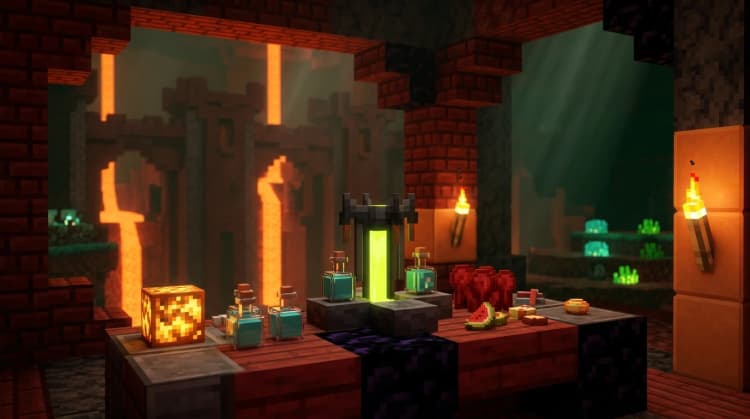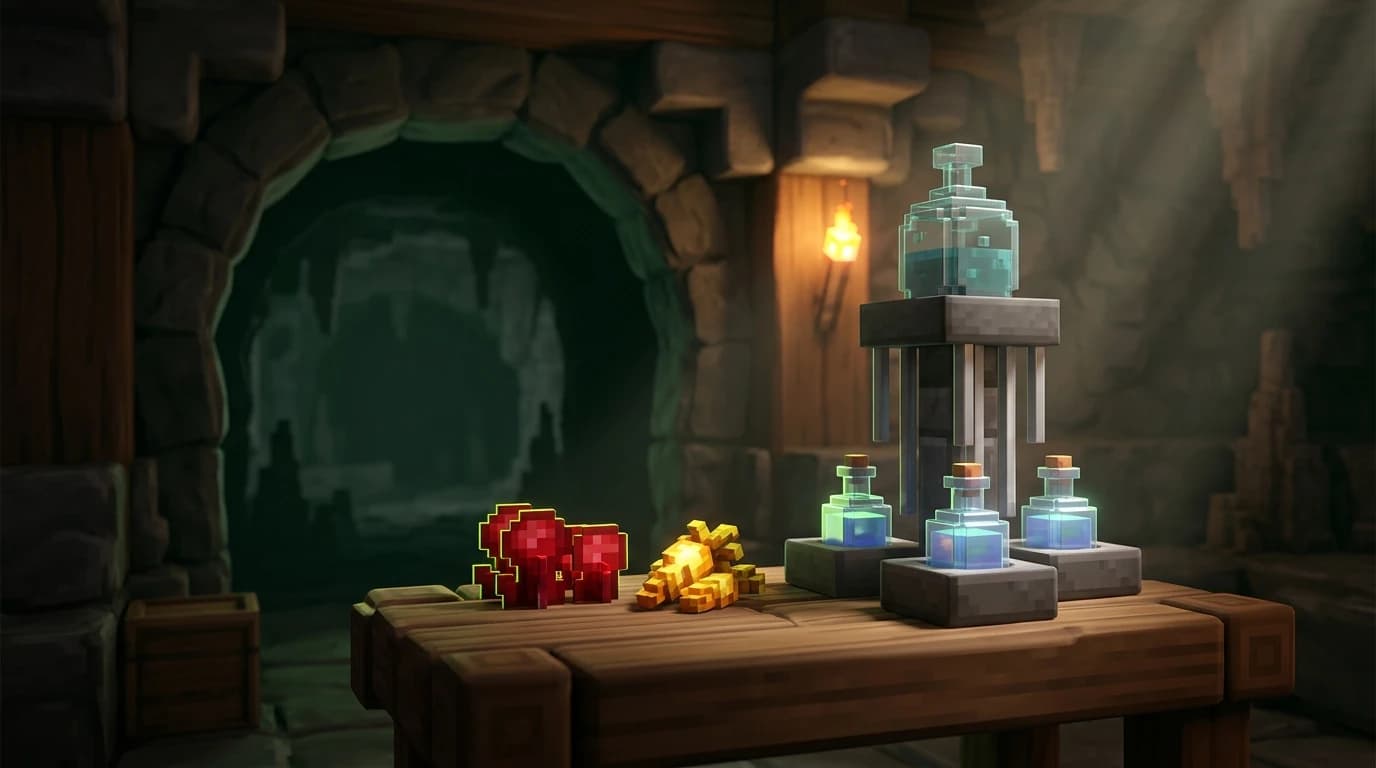
To answer how do you make a night vision potion in minecraft, place up to three water bottles in a brewing stand, brew Nether Wart into Awkward Potions, then add one Golden Carrot. Each bottle becomes a Potion of Night Vision lasting 3 minutes. Add Redstone Dust afterward to extend the duration to 8 minutes.
What you need before brewing
You need a brewing stand, fuel, bottles, Nether Wart, and Golden Carrots. Gather the following items before you start:
- 1 brewing stand
- Blaze Powder to fuel the brewing stand
- 1 to 3 glass bottles
- Water to fill the bottles
- 1 to 3 Nether Wart
- 1 to 3 Golden Carrots
- Optional: Redstone Dust for longer-lasting potions
You can craft a brewing stand with one Blaze Rod and three blocks of Cobblestone, Blackstone, or Cobbled Deepslate. You can also find brewing stands in some generated structures, including village churches. Blaze Powder comes from crafting Blaze Rods, and the powder goes into the fuel slot on the brewing stand.
How to craft a Golden Carrot
The Golden Carrot is the ingredient that turns an Awkward Potion into a Potion of Night Vision. You can craft one at a crafting table or in your inventory crafting grid.
| Item | Quantity | How to get it |
|---|---|---|
| Carrot | 1 | Harvest village farms, find one in some loot, or grow it from a planted carrot. |
| Gold Nuggets | 8 | Craft from Gold Ingots or obtain them from gold-related loot and mobs. |
| Golden Carrot | 1 | Place the carrot in the center of the grid and eight Gold Nuggets in every surrounding slot. |
The crafting layout is one Carrot in the center with eight Gold Nuggets around it, filling all nine squares of the 3-by-3 crafting grid. You can also buy Golden Carrots from a sufficiently advanced farmer villager if you have emeralds.
How do you make a night vision potion in minecraft
Once your materials are ready, brew the potion in three stages. The first stage creates the base potion, the second adds night vision, and the third is optional if you want a longer effect.
1. Make Awkward Potions
- Put Blaze Powder in the fuel slot at the top left of the brewing stand.
- Fill one, two, or three Glass Bottles with water from a water source block or filled cauldron.
- Place the Water Bottles in the three lower slots of the brewing stand.
- Put Nether Wart in the ingredient slot at the top.
- Wait for the brewing process to finish.
The Water Bottles become Awkward Potions. Nether Wart is not consumed once for every bottle separately; one ingredient brews all filled bottle slots at the same time.
2. Add the Golden Carrot
- Leave the Awkward Potions in the lower bottle slots.
- Place one Golden Carrot in the top ingredient slot.
- Wait for the brewing process to finish.
Each Awkward Potion becomes a Potion of Night Vision. Drinking one lets you see clearly in dark areas and makes underwater surroundings easier to see.
3. Extend the duration
- Keep the Potion of Night Vision in the lower slots.
- Place Redstone Dust in the ingredient slot.
- Wait for brewing to finish.
The result is a Potion of Night Vision that lasts 8 minutes instead of 3 minutes. Redstone extends the duration, while Glowstone Dust is not the normal upgrade for this potion. Night Vision does not have a standard stronger Potion II version created with Glowstone Dust.
How to make night vision in Minecraft for other players
A regular Potion of Night Vision affects the player who drinks it. To give the effect to another player, use a Splash Potion or a command.
Make a Splash Potion
- Place a Potion of Night Vision in one of the lower brewing stand slots.
- Put Gunpowder in the ingredient slot.
- Wait for brewing to finish.
- Throw the resulting Splash Potion near the player who needs the effect.
A Splash Potion applies night vision to players and suitable entities inside its impact area. You can also add Redstone before adding Gunpowder if you want the splash effect to last longer.
Make a Lingering Potion
To create a Lingering Potion of Night Vision, brew a Splash Potion with Dragon's Breath. This creates a cloud that leaves the effect in an area for a short time, which is useful for maps, group activities, and controlled areas.
How to give yourself night vision with commands
Commands are the fastest way to get night vision, but cheats must be enabled in a single-player world. On a multiplayer world, you need the required permission from the server.
Java Edition command
In Java Edition, type /effect give @s minecraft:night_vision 600 0 true. This gives you Night Vision I for 600 seconds and hides the effect particles. The final number before true is the amplifier, which starts at 0 for the first effect level.
For a long-lasting effect in recent Java versions, you can use /effect give @s minecraft:night_vision infinite 0 true. If your version does not support the word infinite, use a large duration such as 999999 instead.
Bedrock Edition command
In Bedrock Edition, type /effect @s night_vision 600 0 true. The command gives yourself Night Vision for 600 seconds and hides the particles. Bedrock uses a different command structure because it does not place give between /effect and the target.
To give every player the effect in Java Edition, replace @s with @a. In Bedrock Edition, use /effect @a night_vision 600 0 true. To remove the effect, drink milk or use the appropriate effect-clear command for your edition.
How to make it night in Minecraft
Night vision and nighttime are separate mechanics. A Potion of Night Vision lets you see in darkness, but it does not change the time of day. If you want to make the world night, use a time command with cheats enabled.
- Java Edition: /time set night
- Bedrock Edition: /time set night
You can also use /time set 13000 to move the world into the nighttime portion of the day. To return to daytime, use /time set day. Sleeping in a bed is the normal survival method for skipping nighttime without commands.
Java Edition and Bedrock Edition differences
The brewing recipe is the same in Java Edition and Bedrock Edition: Nether Wart creates an Awkward Potion, and a Golden Carrot turns it into Night Vision. Redstone extends the potion's duration, and Gunpowder converts it into a Splash Potion in both editions.
The main difference in this guide is the command syntax. Java uses /effect give, while Bedrock uses /effect followed directly by the target and effect name. Always check that cheats or permissions are enabled before testing commands.
Common mistakes and faster alternatives
- Using a regular Carrot: A normal Carrot cannot brew night vision. You need a Golden Carrot.
- Skipping Nether Wart: The Golden Carrot must be brewed into an Awkward Potion first. Adding it to a Water Bottle does not make night vision.
- Forgetting Blaze Powder: The brewing stand needs fuel before it can process ingredients.
- Adding Redstone too early: Redstone extends an existing Potion of Night Vision. Brew the Golden Carrot first.
- Expecting night vision to change the time: Use /time set night to make it night, or drink the potion to see better in darkness.
- Wasting bottles: Fill all three lower brewing slots to brew up to three potions from one ingredient.
For routine cave trips, brew three extended potions at once and keep them in a protected chest near your mine. For quick testing or creative builds, the effect command is faster than gathering Nether Wart, Blaze Powder, and Gold.