To learn how teleport in minecraft, enable cheats or use a server permission, open chat, and enter /tp x y z to move yourself to coordinates. Use /tp player x y z to move someone else, or /tp player to teleport yourself to that player.
How teleport in minecraft with commands
Minecraft uses the /teleport command for instant movement. The shorter /tp command is an alias, so both forms work the same way in vanilla Minecraft.
You need permission to use teleport commands. In a single-player world, turn on cheats when creating the world or enable them temporarily through the pause menu where supported. On a multiplayer server, you usually need operator permission or a server-specific teleport command.
Teleport yourself to coordinates
- Open the chat window.
- Type /tp x y z, replacing the letters with numbers.
- Send the command.
For example, /tp 120 70 -340 teleports you to X 120, Y 70, and Z -340. The Y coordinate controls height, so choose a safe value with solid ground or open air at the destination.
Teleport another player
Put the target player's name before the coordinates. For example, /tp Alex 120 70 -340 moves Alex to that location while you remain where you are.
You can also teleport a player to yourself with /tp Alex YourName. Replace both names with the correct in-game usernames. This is useful when a friend is lost, trapped, or far from your base.
How to teleport in Minecraft using coordinates
Coordinates identify every position in a Minecraft world with three numbers: X, Y, and Z.
- X: east and west position.
- Y: vertical height.
- Z: north and south position.
Find your coordinates
In Java Edition, press F3 to open the debug screen and find your XYZ position. In Bedrock Edition, open the world settings and turn on Show Coordinates. Xbox and PlayStation versions use Bedrock Edition, so this setting is the usual way to see coordinates on those consoles.
To teleport to a location, record its three coordinates in the order X, Y, Z. For example, if a base is at X -250, Y 64, Z 900, use /tp -250 64 900.
Use relative coordinates
A tilde symbol represents a position relative to the current location. This lets you move a specific number of blocks without calculating your full coordinates.
- /tp ~ ~10 ~ moves you 10 blocks upward.
- /tp ~5 ~ ~ moves you 5 blocks along the X axis.
- /tp ~ ~ ~-10 moves you 10 blocks in the negative Z direction.
- /tp ~ ~-3 ~ moves you 3 blocks downward.
Relative coordinates are useful for testing builds, adjusting your position, or escaping a small underground area. Always check the destination before using a large negative Y value because you can teleport into stone, lava, or a deep cave.
How to teleport to someone in Minecraft
To teleport yourself to another player, enter /tp PlayerName. For example, /tp Alex moves you to Alex's current location. You can use the longer form, /teleport Alex, with the same result.
To bring someone to you, enter /tp PlayerName YourName. For example, /tp Alex Steve teleports Alex to Steve. If you are running the command as Steve, you can also use the self selector: /tp Alex @s.
Use target selectors
Target selectors let you choose players or entities without typing a full name.
- @s: the command executor.
- @p: the nearest player.
- @a: all players.
- @r: one random player.
- @e: all entities that match the command.
For example, /tp @p 0 80 0 moves the nearest player to the world center area. Be careful with @a and @e, because they can move many players or mobs at once.
How to teleport someone to you in Minecraft
The most direct command is /tp PlayerName @s. Here, PlayerName is the person you want to move, and @s represents you, the person running the command.
If you are using a command block, @s may refer to the command block rather than the player who presses a button. In that situation, use your exact username as the destination or place the command block at the intended destination.
You can also move every player to your position with /tp @a @s. Use this only when you intend to gather everyone, because it affects all players who meet the selector conditions.
How to make a teleport in Minecraft with a command block
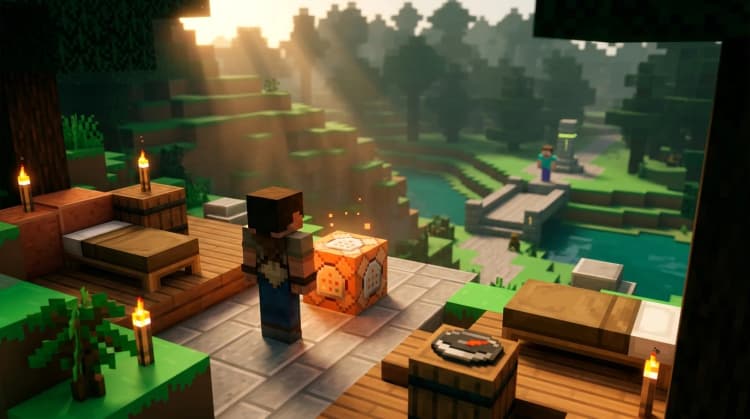
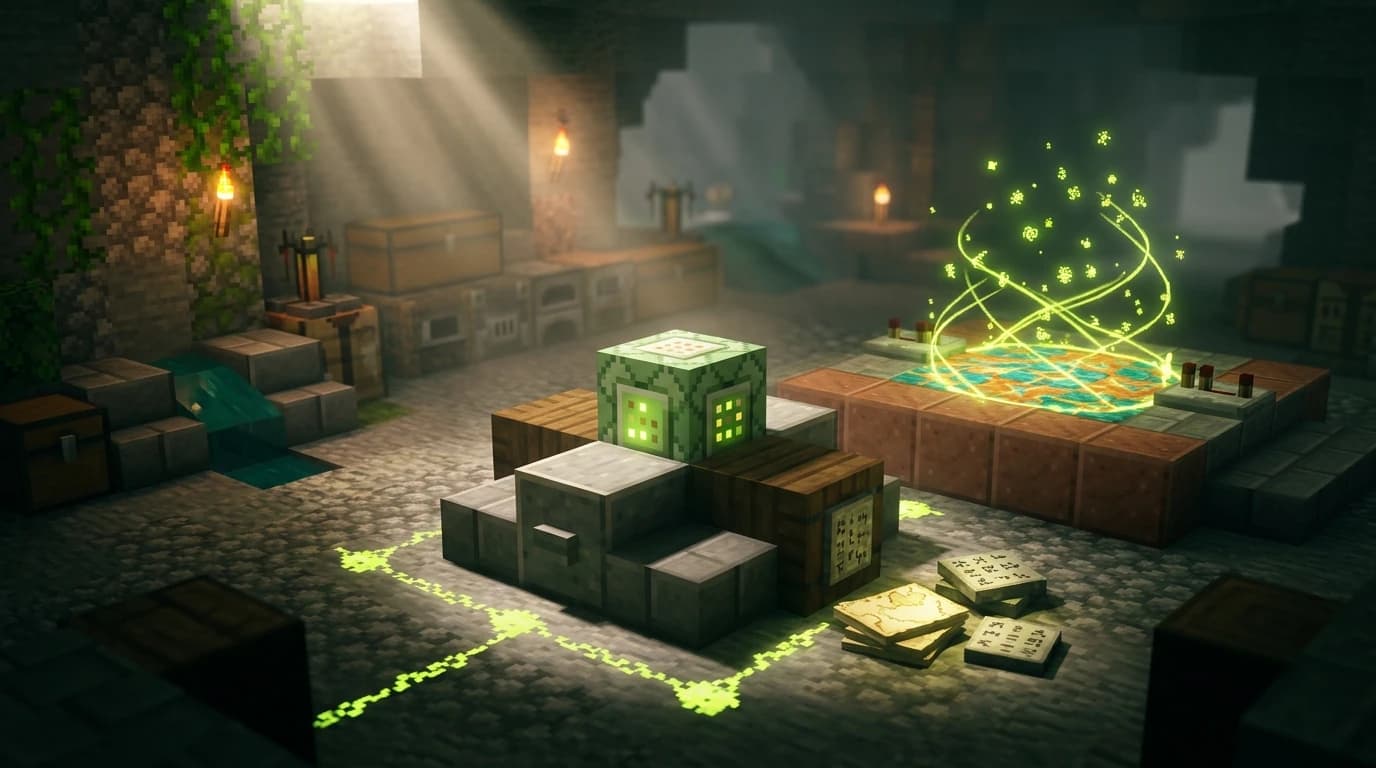
A command block can create a button-operated teleporter, a portal-style destination, or an automatic travel system. Command blocks are available through commands and require cheats or the appropriate server permissions.
Build a simple button teleporter
- Get a command block with /give @s command_block.
- Place the command block where you want the teleporter.
- Open it and enter a destination command such as /tp @p 120 70 -340.
- Place a button or pressure plate next to the command block.
- Activate the button to teleport the nearest player to the destination.
The @p selector makes the command affect the nearest player to the command block. Use a safe destination with enough room for a player to stand. A platform, glass floor, or enclosed arrival room helps prevent falls and suffocation.
Create a short-range teleporter
For a teleporter that moves players a fixed distance, use relative coordinates. A command such as /tp @p ~20 ~ ~ moves the nearest player 20 blocks along the X axis from the command's execution position. The exact behavior of relative coordinates can depend on where the command runs, so test the setup before building a large network of destinations.
Java and Bedrock teleport commands
The basic teleport commands work on both Java Edition and Bedrock Edition. You can use /tp or /teleport, coordinate destinations, player names, and common target selectors on both editions.
The main practical difference is how you view coordinates. Java players generally use F3, while Bedrock players enable Show Coordinates in the world settings. Bedrock also uses slightly different advanced selector details, so complex command-block systems should be written for the edition you are playing.
On Java Edition, cross-dimension teleporting can be handled with /execute in. For example, /execute in minecraft:the_nether run teleport ~ ~ ~ runs the teleport in the Nether. This is an advanced command and can place you in a dangerous location if you do not choose a safe arrival point.
Can you teleport home, to a bed, or to your last death?
Teleport home
Vanilla Minecraft does not automatically create a universal home teleport command. To return to your base, save its coordinates and use /tp x y z when you need them. A command block can also turn those coordinates into a permanent home button.
Some multiplayer servers add commands such as /home, /sethome, or teleport requests, but these are server features rather than standard vanilla commands.
Teleport to a bed
A bed sets your respawn point, but vanilla Minecraft does not provide a command that searches for your bed and teleports you there. Record the bed's coordinates, then use those coordinates with /tp. If you die, you can respawn at a valid bed without using a command.
Teleport to your last death
There is no simple vanilla command that automatically teleports you to your previous death location. A recovery compass points toward your last death location when you are in the same dimension, but it does not teleport you. Follow the compass, note the coordinates, and use /tp x y z if cheats or commands are available.
Do cats teleport to you in Minecraft?
Yes, tamed cats can teleport to their owner under normal pet-teleport conditions. A cat may teleport when you move far enough away, provided it is not sitting, attached to a lead, in a boat, or blocked by conditions that prevent teleporting. Cats do not use the /tp command, and you cannot rely on them as a precise fast-travel system.
Other tamed animals, including wolves and parrots, can also follow you through teleport-style pet behavior when their conditions allow it. If a pet is sitting, make it stand before traveling away.
Common teleport mistakes to avoid
- Wrong coordinate order: enter X, then Y, then Z.
- Unsafe Y coordinate: check that the destination has air and a solid block nearby.
- Missing permissions: enable cheats or ask for the required server permission.
- Wrong player name: use the exact username, including capitalization where required.
- Using @a accidentally: this targets every player instead of only you.
- Expecting a bed command: record bed coordinates or use a server home feature.
For everyday travel, save important coordinates in a book, sign, or notes file. For repeat trips, use command blocks with buttons, while multiplayer worlds may offer server commands for homes and teleport requests.